Automate
Extend your requests with JavaScript. Run custom scripts before sending requests or after receiving responses. Full access to request and response objects with console output.
JavaScript Powered
Write real JavaScript code. Access fetch API, use async/await, parse JSON - no proprietary syntax.
Console Output
See your script output in real-time. console.log, console.info, console.warn, console.error - all captured.
Full Context
Access request details in pre-script, both request and response in post-script. Timing data included.
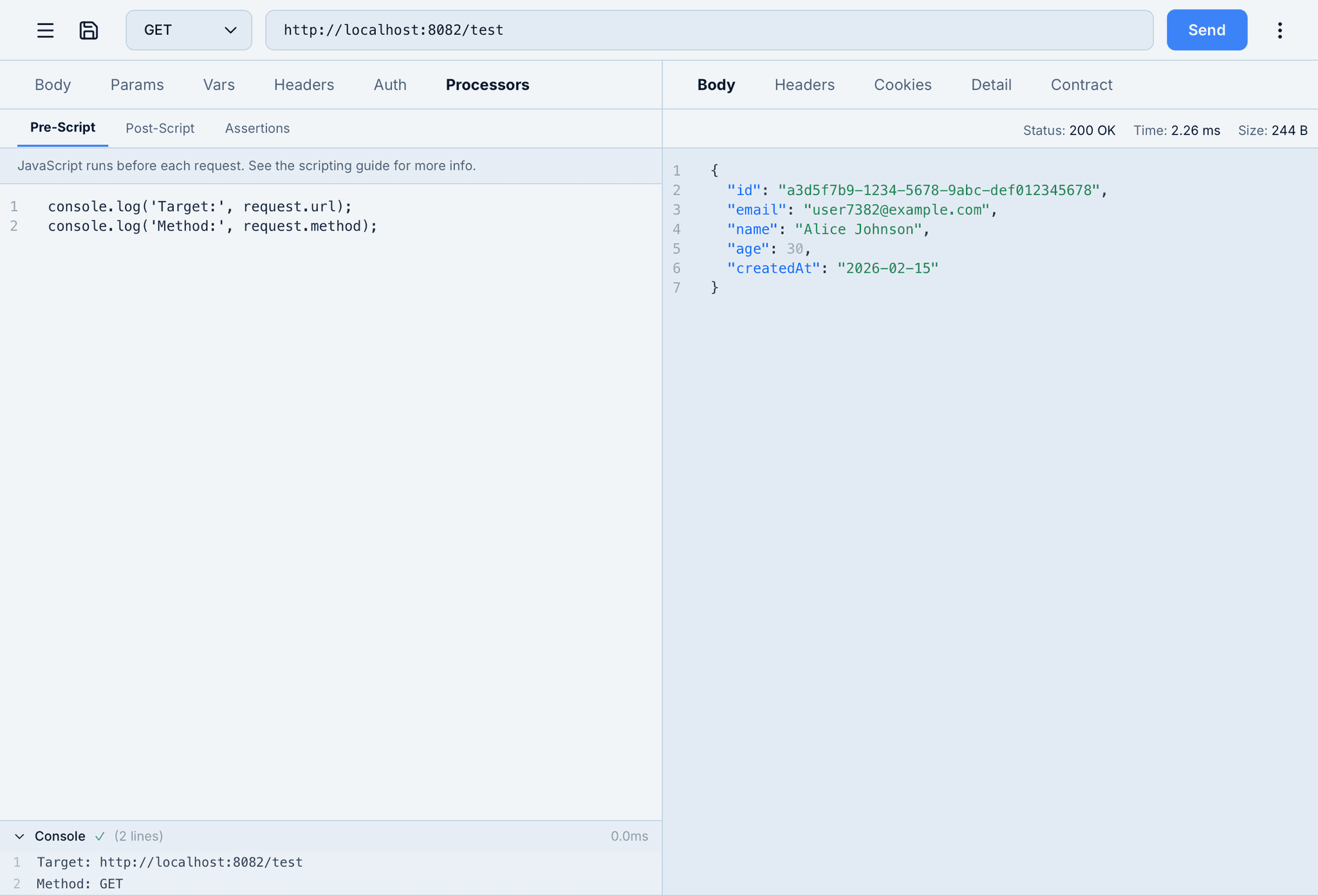
Pre-Script
Run JavaScript before each request. Log request details, prepare data, or fetch tokens from other endpoints. Your code runs with full access to the request object - URL, method, headers, and body.
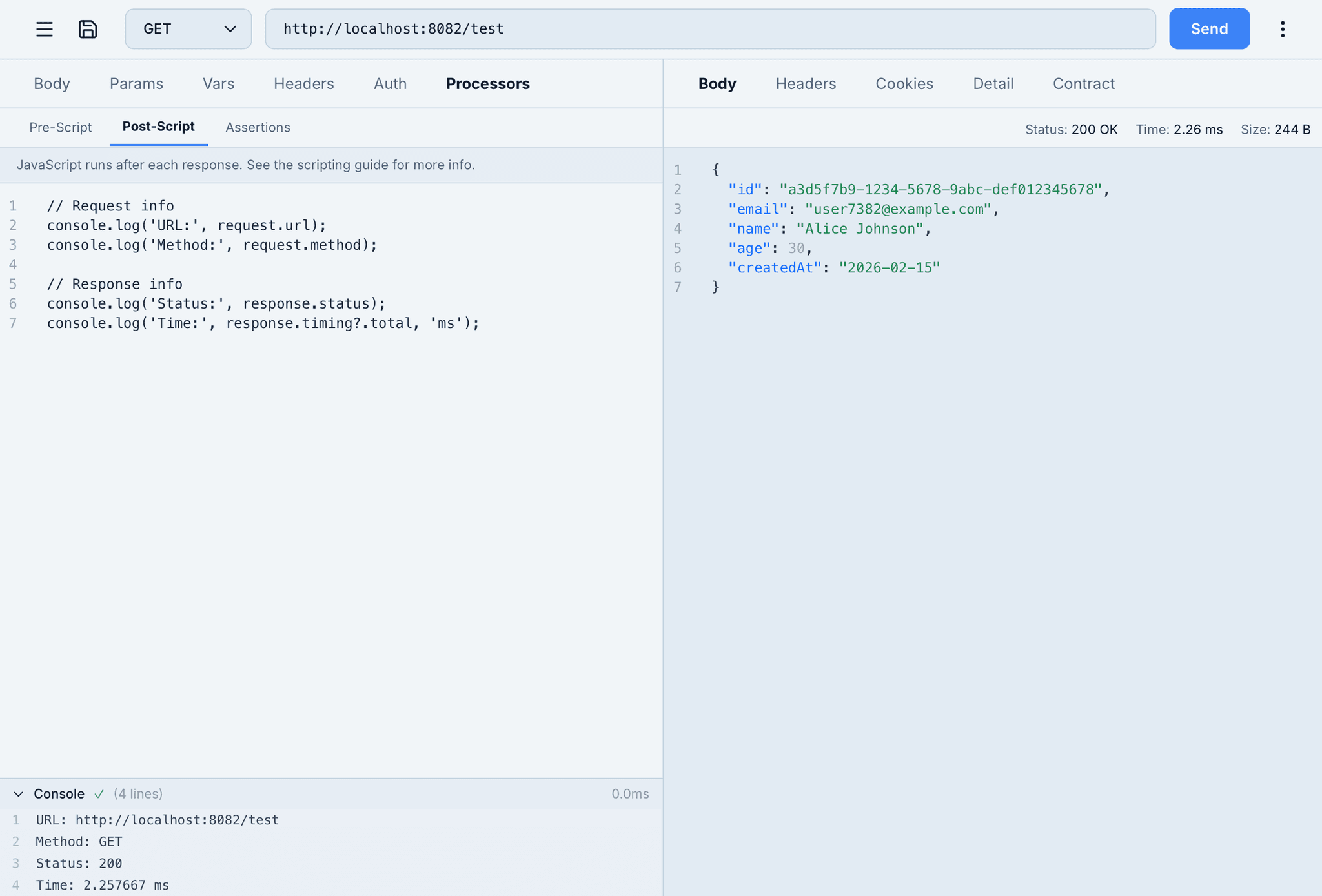
Post-Script
Run JavaScript after each response. Access both request and response objects - status codes, headers, body, and timing data. Parse JSON, validate results, or log performance metrics to the console.
Available in Scripts
Pre-Script Context
tg.request.url- Target URLtg.request.method- HTTP methodtg.request.headers- Request headerstg.request.body- Request body
Post-Script Context
tg.response.status- Status codetg.response.body- Response bodytg.response.headers- Response headerstg.response.timing- Timing data
Global APIs
console- Log outputfetch- HTTP requestssetTimeout- Async timingasync/await- Modern syntax
Scripting API
tg.environment.*- Environment variablestg.flow.*- Flow variablestg.request.*- Request accesstg.response.*- Response access
Ready to automate your workflows?
Download Tigrister and extend your API requests with JavaScript.